
J2ME Draw String


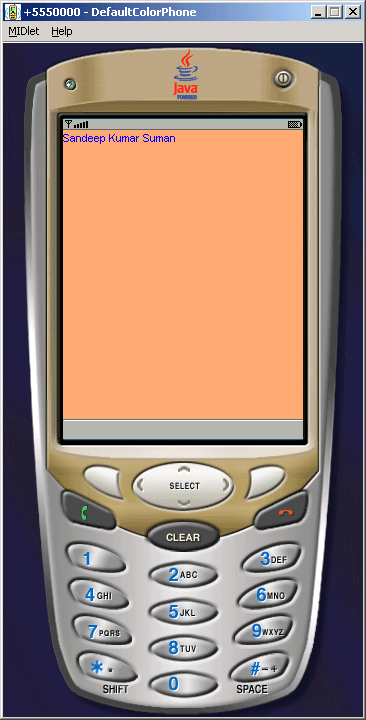
In the previous examples, we learned about drawing different graphics on the screen. Here in this example, we are going to show the string in J2ME. For that we have created a a class called GraphicsCanvas class that extends to the Canvas class to draw the string.
Given methods are used to set the actual layout of the text on the screen.
- setColor()
- fillRect()
- drawString()
- getHeight()
- getWidth()
g.TOP will show the string on Top and g.LEFT set it in the left alignment. The drawString() method is used to show the string on the screen.
The Application is as follows:
Source Code of SimpleGraphics.java
import javax.microedition.midlet.*;
|