JavaScript method AddFavourite()


This section illustrates you the use of JavaScript method AddFavorite(). This method can be used in Internet Explorer to add a web address or a redirected page to the Internet Explorer favorites. It activates the function of menu in the Internet Explorer with the given URL. In the given example we have provided a URL to AddFavorite() method. This will add the specified URL to the Favorites menu of the Internet Explorer.
Here is the code:
| <html> <h2>Use of method AddFavourite()</h2> <script> function addFavourite(){ if (document.all){ window.external.AddFavorite("http://www.roseindia.net"); } } </script> <body> <a href="javascript:addFavourite()">Add Favorites</a> </body> </html> |
Output will be displayed as:
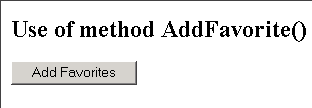
On clicking the button, the following form will be displayed:
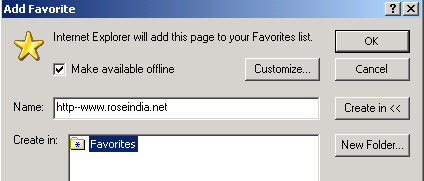
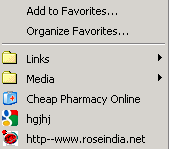
On clicking the 'ok' button, the specified URL gets added to the list of favorites: