JavaScript deleteCaption method


As in the previous section of JavaScript method example you have seen that we can add the caption to our table at execution time with the use of createCaption() method and in similar manner we can delete the caption of the table by calling the method deleteCaption().
Syntax:
| tableObject.deleteCaption(); |
Description of code :
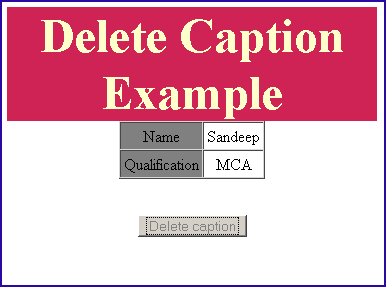
In this code of example we have created a table and a button. In this table we have already added a caption with the value "Information Example". When the user clicks on the "Delete Caption" button it calls the JavaScript function deleteCaption(), which we have defined in our script tag of the HTML code. It takes the table object from the method getElementById().
deleteCaptionExample.html
| <html> <head> <script type="text/javascript"> function deleteCaption() { document.getElementById('table').deleteCaption(); } </script> </head> <body> <p> </p> <p align="center"> </p> <div style="background: #cf2255; width:'100%';" align="center"> <font color="#ffffcc" size="12pt"><b>Delete Caption Example</b></font></div> <center> <table id="table" border="1" cellspacing="0" cellpadding="3" > <caption style="color:red">Information Example</caption> <tr> <td align="center" bgcolor="#808080"> <p align="center">Name</p> </td> <td align="center"> <p align="center">Sandeep</p> </td> </tr> <tr> <td align="center" bgcolor="#808080"> <p align="center">Qualification</p> </td> <td align="center"> <p align="center">MCA</p> </td> </tr> </table> </center> <p align="center"> <br /> <input type="button" onclick="deleteCaption(); this.disabled=true;" value="Delete caption"> </body> </html> |
Output:
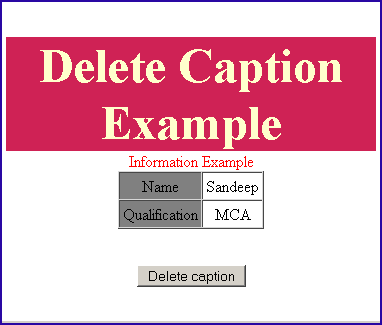
Click on the "Delete caption" button.