JavaScript addImport example


The addImport() method adds style sheets to the document by importing the style sheets collection. Here in this example we have added an stylesheet named with the "mystyleSheet" by using the addImport() method.
Syntax :
| Object.addImport(stylesheetname , index); |
stylesheetname : it is the name of the style sheet which is to be added to the importing collection.
index : it specifies the position of the style sheet collection where we wants to add the style sheet.
Description of example:
In the following example code we have created a link in HTML by using the tag <a></a> and we have imported the style sheet with the name and after importing the CSS the functionality of the CSS can be used in that HTMl page.
addImport.html
<html>
  <head>
    <body>
	<style>
	</style>
	<title>addImport Example</title>
	 <script>
	   document.styleSheets[0].addImport('mystyleSheet.css',2);
         </script>
	<a href="#">Hello ! RoseIndia</a>
   </body>
</html>
|
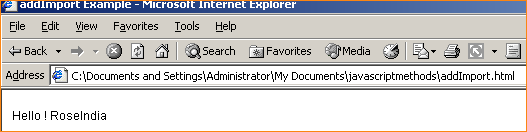
Output:
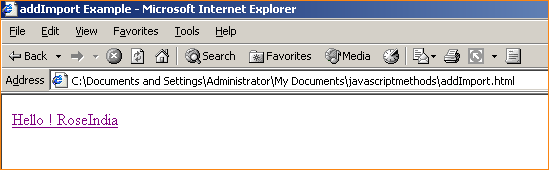
Since we have created the cascading style sheet named as "mystyleSheet.css" and we have imported it by using the a:hover style.