In the trim() method example, you will learn how to use the trim method in JavaScript.

JavaScript Array Trim


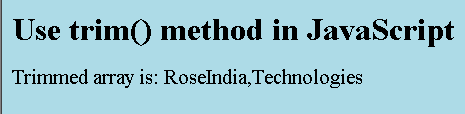
In the trim() method example, you will learn how to use the trim method in JavaScript. The JavaScript method trim() removes all empty elements from the JavaScript array whether they are in the beginning or in the end of the Array. In the given example, we have declared an instance of Array and added elements to it including empty elements. The method trim() removes all the empty elements and provides the simple Array.
Code for Array Trim in JavaScript
<html>
|
Output will be displayed as: