Property Tag (Data Tag) Example


In this section, we are going to describe the property tag. The property tag is a generic tag that is used to get the property of a value, which will default to the top of the stack if none is specified.
Add the following code snippet into the struts.xml file.
struts.xml
| <action name="propertyTag" class="net.roseindia.propertyTag"> <result>/pages/genericTags/propertyTag.jsp</result> </action> |
Create an action class as shown:
propertyTag.java
package net.roseindia;
|
Create a bean class "companyName" as
shown:
companyName.java
package net.roseindia;
|
Create a jsp using the tags.
<s:property value="%{name}" /> it prints the result of myBean's getMyBeanProperty() method.
<s:property value="name" default="Default Value" /> it prints
the result of companyName's getName() method and if it is null, print 'a default
value' instead.
propertyTag.jsp
<%@ taglib prefix="s" uri="/struts-tags" %>
|
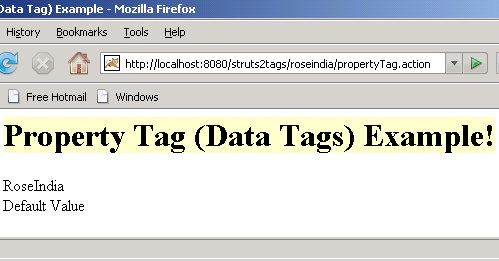
Output of the propertyTag.jsp: