Use of <x:choose> tag of JSTL


<x:when> is used to match given condition in 'select' attribute. If found true execute the statement given in this tag.
<x:otherwise> If found condition false given <x:when> tag, execute tag <x:otherwise>.
Standard Syntax : <%@ taglib prefix="x" uri="http://java.sun.com/jsp/jstl/xml" %>
| Attributes of <x:when> Tag | |
| select | Defines xPath expression. |
choose_xmlJstlTag.jsp
<%@ taglib prefix="x" uri="http://java.sun.com/jsp/jstl/xml" %>
<%@ taglib prefix="c" uri="http://java.sun.com/jsp/jstl/core" %>
<html>
<head>
<title>Example x:if tag of JSTL</title>
</head>
<body>
<c:import var="import" url="employee.xml" />
<x:parse var="doc" doc="${import}" />
<table border="1">
<tr>
<th>Employee Name</th>
<th>Promotion </th>
<x:forEach var="emp" select="$doc/org/company/emp" >
<tr>
<td><x:out select="$emp/name" /> </td>
<td>
<x:choose>
<x:when select="$emp/age>23">
One month<br>
</x:when>
<x:otherwise> Not eligible<br> </x:otherwise> </x:choose> </td> </tr> </x:forEach> </table> </body> </html> |
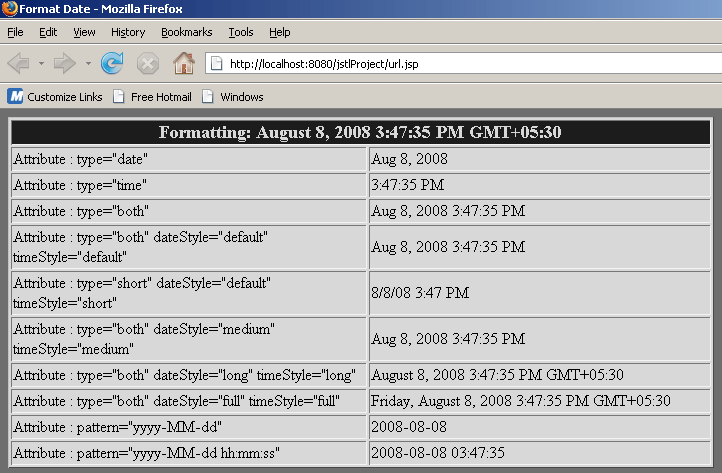
Output :
Download Source Code