Password Controls


In this program we are going to know how the server determines whether the password entered by the user is correct or not. This whole process is controlled on the server side. Once the password is entered by the user it goes to the server and on the server side the controller checks whether the password entered by the user is correct or not.
The code of the program is given below:
<html>
    <head>
        <title>Using Password Controls</title>
    </head>
    <body>
        <h1>How to use Password Controls</h1>
        <form action="CheckingPassword.jsp" method="post">
            Please enter your password:
            <input type="password" name="password">
            <br>
            <input type ="submit" value = "submit">
        </form>
    </body>
</html>
|
| <html> <head> <title>Reading Password Controls</title> </head> <body> <h1>Password Controls</h1> <% if(request.getParameter("password").equals("abcde")) { out.println("You are welcome"); } else { out.println("You have entered the wrong password!"); } %> </body> </html> |
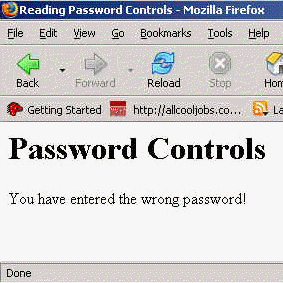
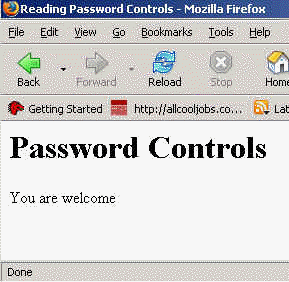
The output of the the program is given below:

If the password is correct:
If the password is incorrect: