How to design a burning effect.


This tutorial will help you to design a burning effect with simple steps. Burning effect is not tuff to design, if you want to make it follow my this tutorial and pay your wish.
Let's start.
New File: First take a new file (Ctrl + N) and maintain the file size as you want.
Black Color: Select black color and choose Paint bucket tool (G key), fill in the file.
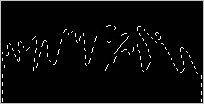
Selection: Make selection with polygonal lasso tool (L key) as I have done here.
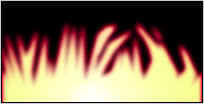
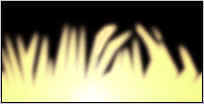
Yellow Color: Choose yellow color and fill in the selected area. Go to Filter menu > Blur > Gaussian Blur and make adjustment as you want.
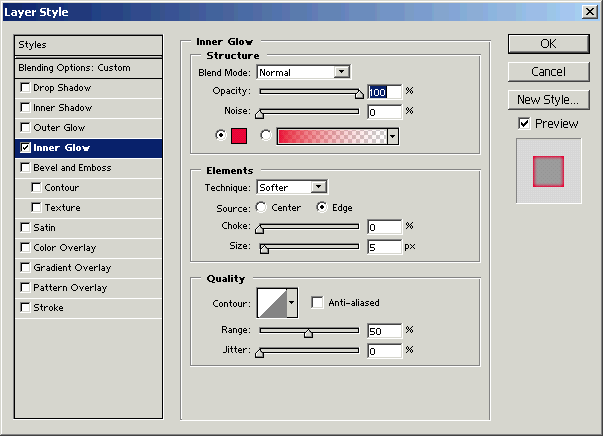
Inner Glow: Go to Layer menu > Layer Style > Inner Glow, make settings as given below popup menu.
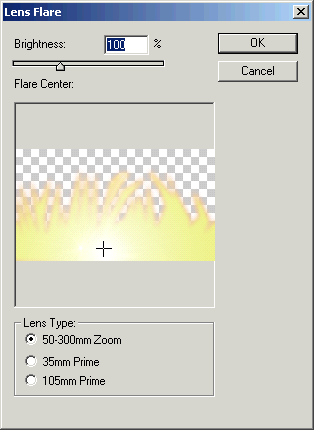
Lens Flare: I am using here a lens flare to make lights in the fire, Go to Filter menu > Render > Lens Flare and adjust the lens as you want.