Using Beans And Page Scope


The scope in which the Bean exists and the variable named in id is available. The default value of scope is page. In this bean object is placed in the PageContext object for the duration of the current request
- page: It is a default value of scope. In this bean object is placed in the PageContext object and the object can be accessed within the page only.
<jsp:useBean>: This standard tag builds a
new bean. It builds a object of the Bean class.
The syntax is <jsp:useBean id = "beanInstance" class = "package.className"/>
<jsp:setProperty>: This tag is used to
modify the bean property. It calls the setXXX() method of the bean class.
The syntax is <jsp:setProperty name = "beanInstance" property =
"propertyName" value = "propertyValue"/>.
<jsp:getProperty>: This tag is used to
read and display the value of a bean property.
The syntax is <jsp:getProperty name = "beanInstance" property =
"propertyName" />
The code of the program is given below:
package Mybean;
public class UsingBeanScopePage{
  private static int counter = 0;
  public void setCounter(int counter) {
    this.counter = counter;
  }
  public int getCounter(){
    return counter;
  }
}
<html>
  <head>
    <title>Using Beans and Page Scope</title>
  </head>
  <body>
    <h1>Using Beans and Page Scope</h1>
    <jsp:useBean id="pageScopeBean" class="Mybean.UsingBeanScopePage" scope="page" />
    <%
    pageScopeBean.setCounter(pageScopeBean.getCounter() + 1);
    %>
	Counter value is <%= pageScopeBean.getCounter() %>
  </body>
</html>
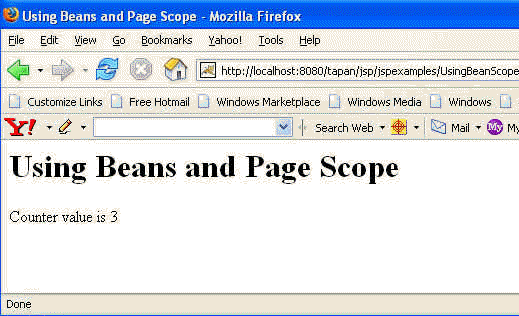
The output of the program is given below: