The buffer Attribute of page Directive In JSP


This section just introduces about the buffer attribute of the page directive in JSP. This attribute sets the buffer size in kilobytes i.e. used by the out object to handle output generated by the JSP page on the client web browser. If you specify the buffer size then the output will be buffered with at least 8kb because the default and minimum value of the buffer attribute is 8kb.
In this section you will learn the buffer attribute syntaxes and usage of it in your JSP page for your JSP application. In the following JSP page, page cannot be flushed automatically because the value of the autoFlush is set with false. You cannot set the value of autoFlush is false when buffer size if you specify "none".
Here is the JSP code:
<%@page buffer="5kb" autoFlush="false" %> <%
for(int i = 0; i < 10; i++){
out.println("<html><body><img src=images/marijuana_leaf.jpg />
</body></html>");
}
%>
|
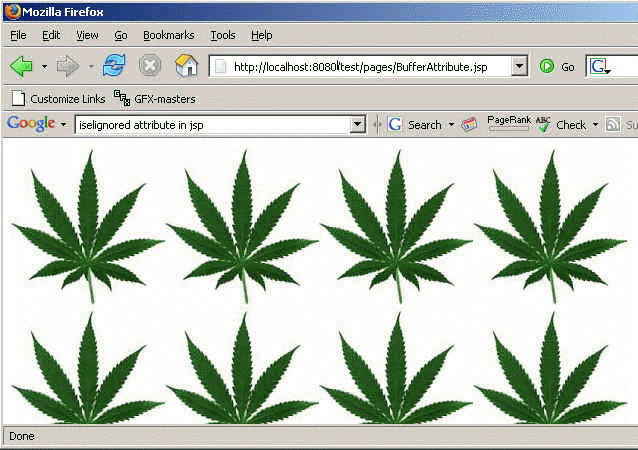
Output of the above JSP program: