JUnit Test 'assertTrue' Example Using Ant


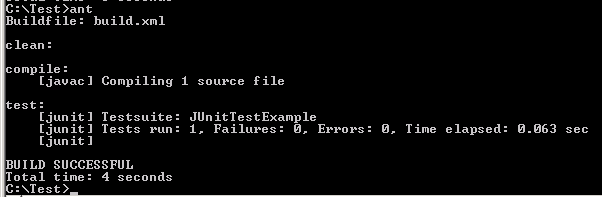
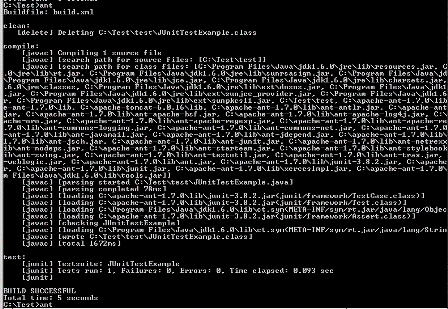
This example illustrates about how to use the 'assertTrue' assertion method to test whether the class file executed test cases successfully or not. In case of if, test case execute success for specific class then it return true but if test case not execute properly the it return false and throw a Test Failure method. In this example build.xml file is used to compile, test and run the java file. The <property name="TALK" value ="true"/> is used to search path for source files, search path for class files, parsing the jar file, loading the all required classes and checking the class file. If <property name="TALK" value ="true"/> is not used in build.xml file then the output displays only [junit] Testsuite.
build.xml
<project name="JUnitTest" default="test" basedir=".">
|
Source Code of JUnitTestExample.java
import junit.framework.*;
|
Output
Without using of <property
name="TALK" value ="true"/> the following output will
be display